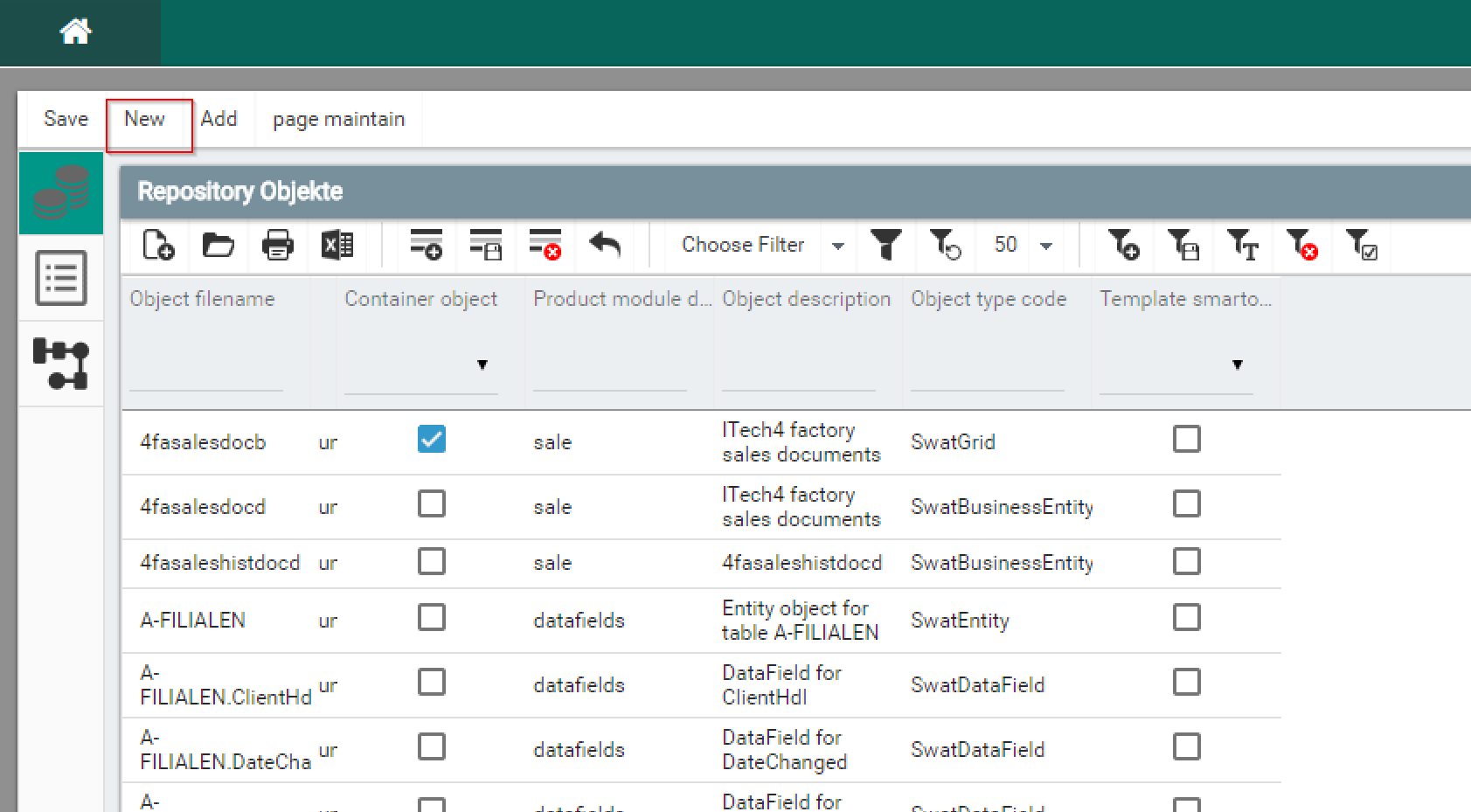
In the UI web designer, login and click 'New'.
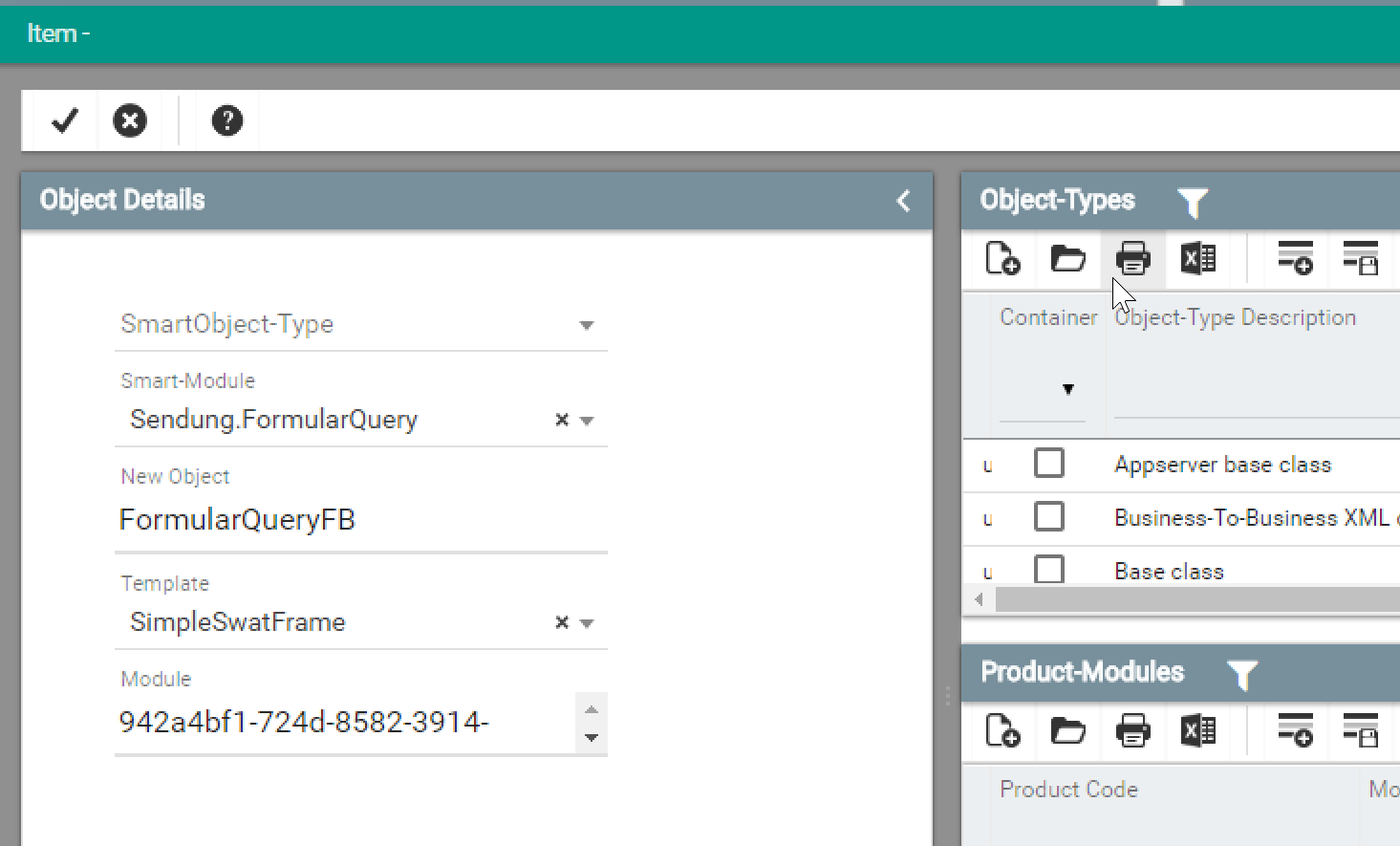
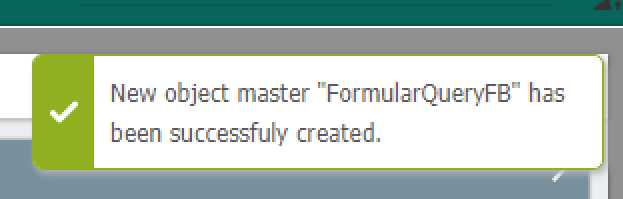
Save
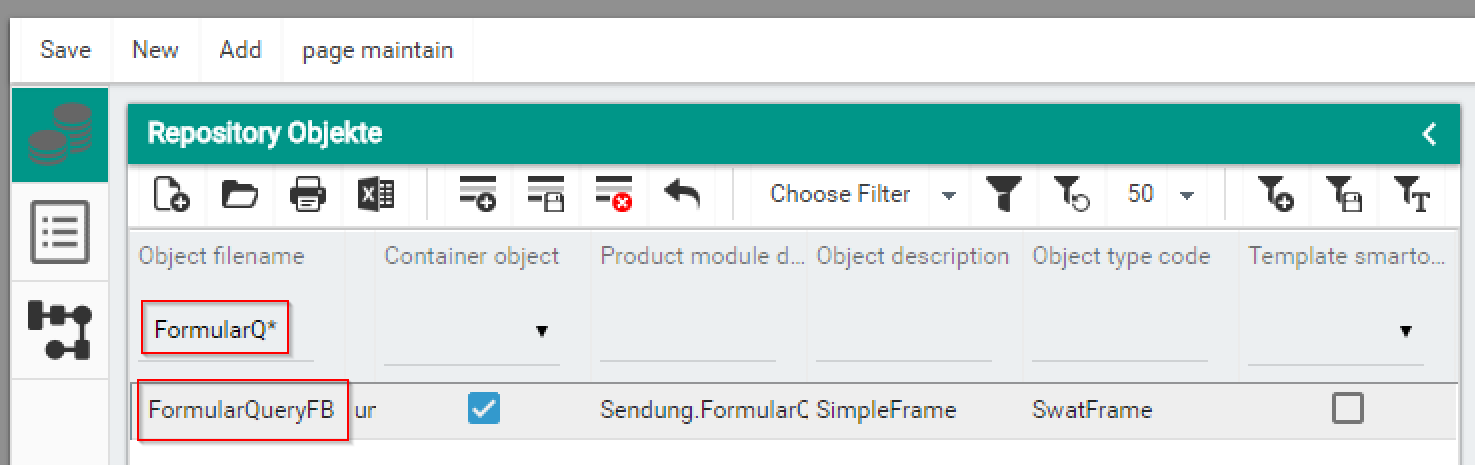
Find the object and Open it.
Click on 'layout / formularqueryfb', and change the 'Type' attribute from '1C' to '2E' and back to '1C'.
Save, close and reopen again.
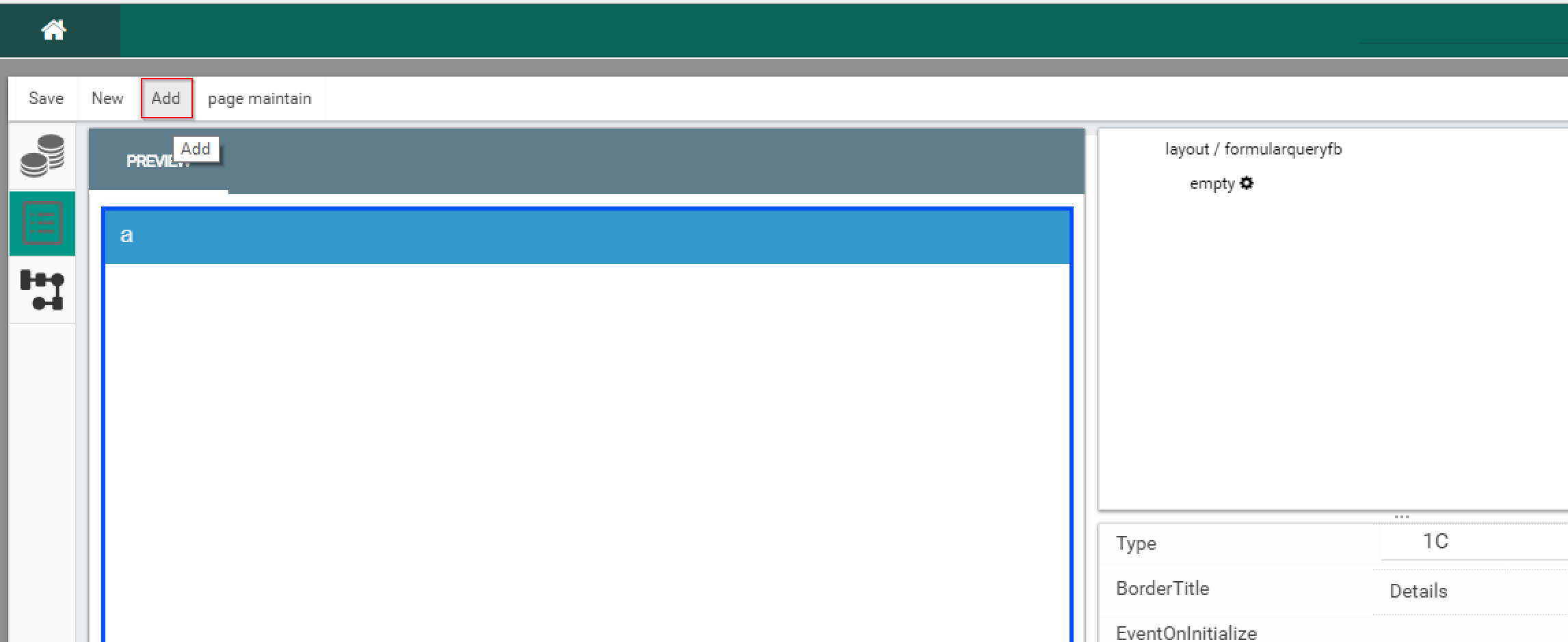
Select 'Add'
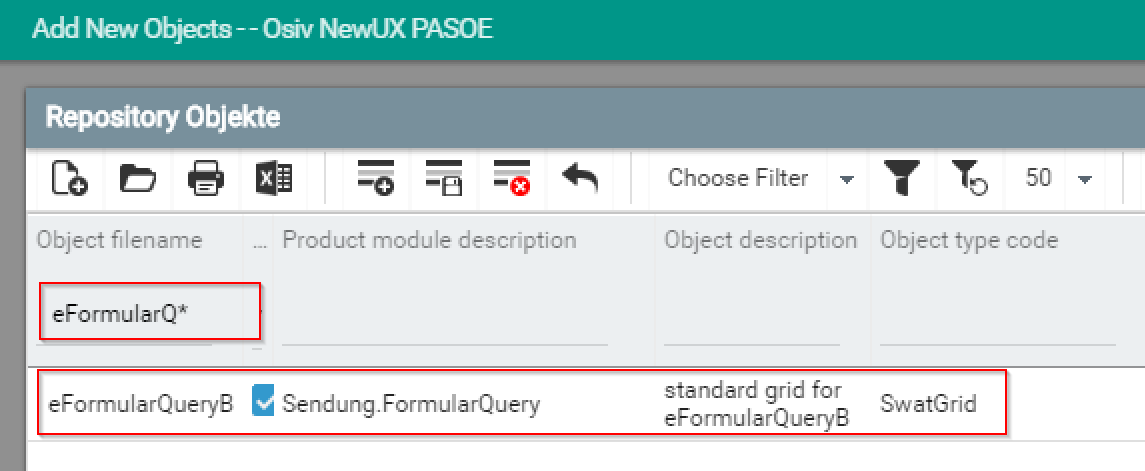
Search for the Grid
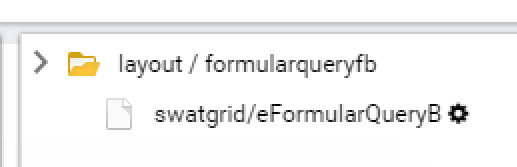
Drag & Drop the Grid onto the 'empty' in the Designer Layout
Search for the DataSourceObject
Drag & Drop the Grid onto the Designer Layout
On Drag & Drop, keep moving to the left until the last object is no longer highlighted |